How to replace the GPD WIN 4 triggers and controller boards
This instructional video demonstrates the procedure for how to replace the the GPD WIN 4 triggers and controller boards. The required tools are a small Phillips-head screwdriver and a plastic spudger. The use of a hot air gun or a hairdryer is also recommended to help loosen the adhesive that holds the strip covering the screws on the bottom of the device.
While we do permit self-repairs, any damage you cause is not covered by our warranty (see our Terms & Conditions here). Please only attempt this repair if you are confident in your abilities. We recommend watching the full video first to decide if you are comfortable with the process.
How to replace the GPD WIN 4 triggers and controller boards video
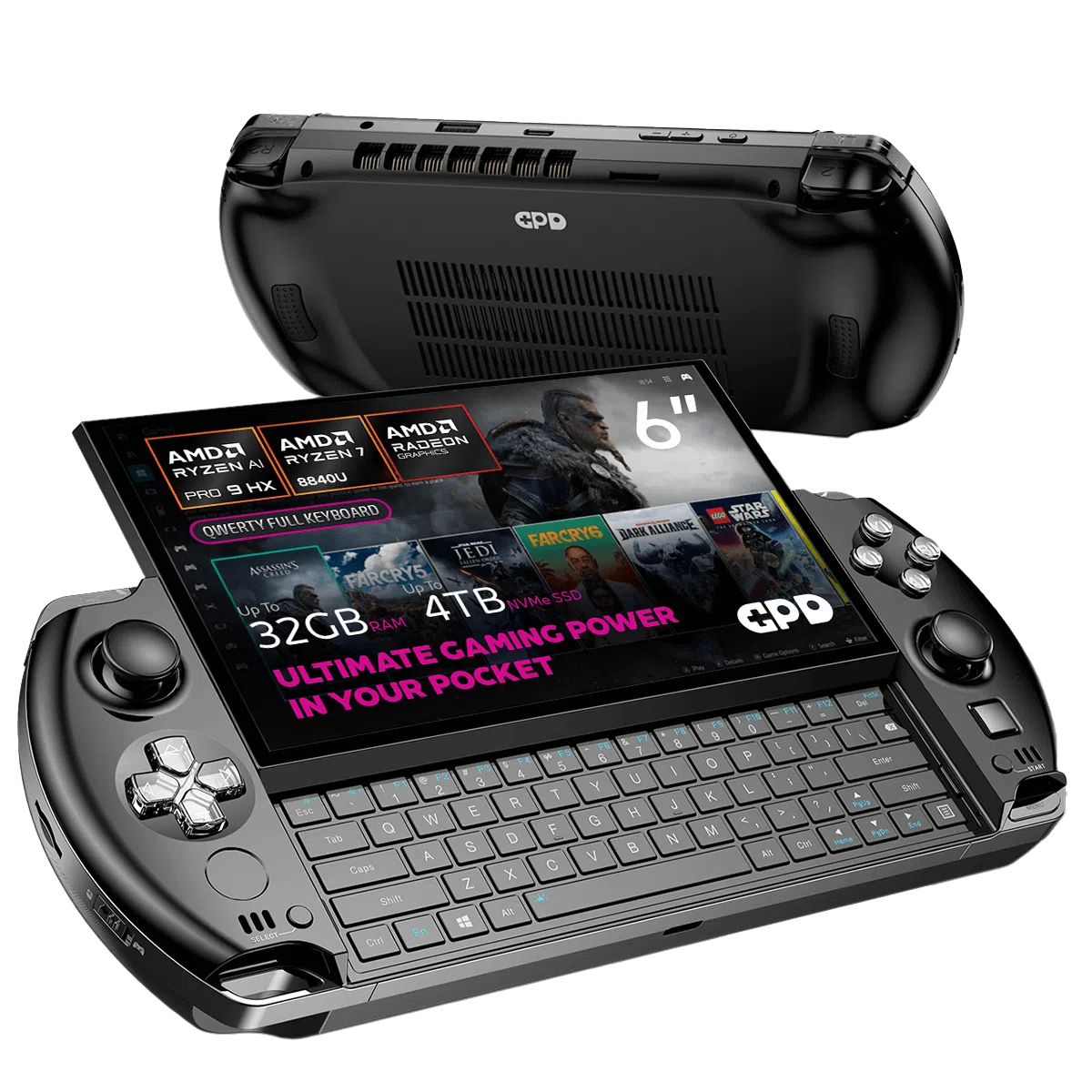
GPD WIN 4 2025 Gaming Handheld PC
Questions on this guide
1 answeredLike to have myg gpd win 4 fixed, looks like a right thumb stuck and wrong bios on board

If you purchased it from us, please contact our customer service at [email protected] with your order number and we will be able to look into this issue further. Thanks.